

 

Westmark Credit Union

Digital Banking

Enter your username.
Enter your password.


Digital Banking

Anywhere, anytime access

Enroll Now


Total peace of mind.

Built for life in Idaho—and everywhere your day takes you—Westmark digital banking puts your entire financial picture in one secure place. Check balances, move money, pay bills, deposit checks, send money to people you trust, track spending, and stay protected with real-time alerts and controls. Whether you’re on the road, at work, or at home, your money stays accessible, protected, and working as hard as you do.

All Accounts, One View – See balances, transactions, loans, and cards together in real time.
Move Money with Ease – Transfer funds, make loan payments, and send money person-to-person.
Mobile Check Deposit – Deposit checks from anywhere using your phone’s camera.
Bill Pay, Simplified – Schedule, send, and track payments from one dashboard.
Security & Card Controls – Turn cards on or off, set limits, add travel notices, and get instant alerts.
Spending, Budgets & Credit Score – Track spending, set goals, stay on budget, and monitor your credit score in one place.

Explore Our Online Banking Features

Everyday tools designed to simplify your banking, you can pay bills, track activity, and stay informed, all in one place.

Person using smartphone to photograph and deposit a check

Mobile Check Deposit

Easily deposit checks using your smartphone or tablet. Save time and gas—make a quick and secure deposit by taking a picture of your check using our Mobile App.

Quick & Easy

Snap front and back to deposit.

Secure Deposits

Bank-level protection.

Same-Day Processing

Before 3:30 p.m. on business days.

$5,000 Daily Limit

Per account, per day.

Start Depositing

*Requires PDF reader. Read our full Terms and Conditions. Must have an active Westmark Checking Account. Deposit limits are $5,000 per day, per account.

Online Bill Pay

Pay all your bills online through one convenient location! Our Online and Mobile Bill Pay is a fast and secure way to stay on top of your payments anywhere you are.

Automatic Scheduling

Payments arrive on time automatically.

Recurring Payments

Never miss a due date.

Payment Reminders

Get notified when payments are due.

Free Service

Included with Online Banking.

Sign Up for Bill Pay
Person reviewing bills and payments on laptop

* NSF fees may apply if funds are not available at the time the payment is taken out of your account.

Smartphone displaying banking notification alerts

Account Alerts

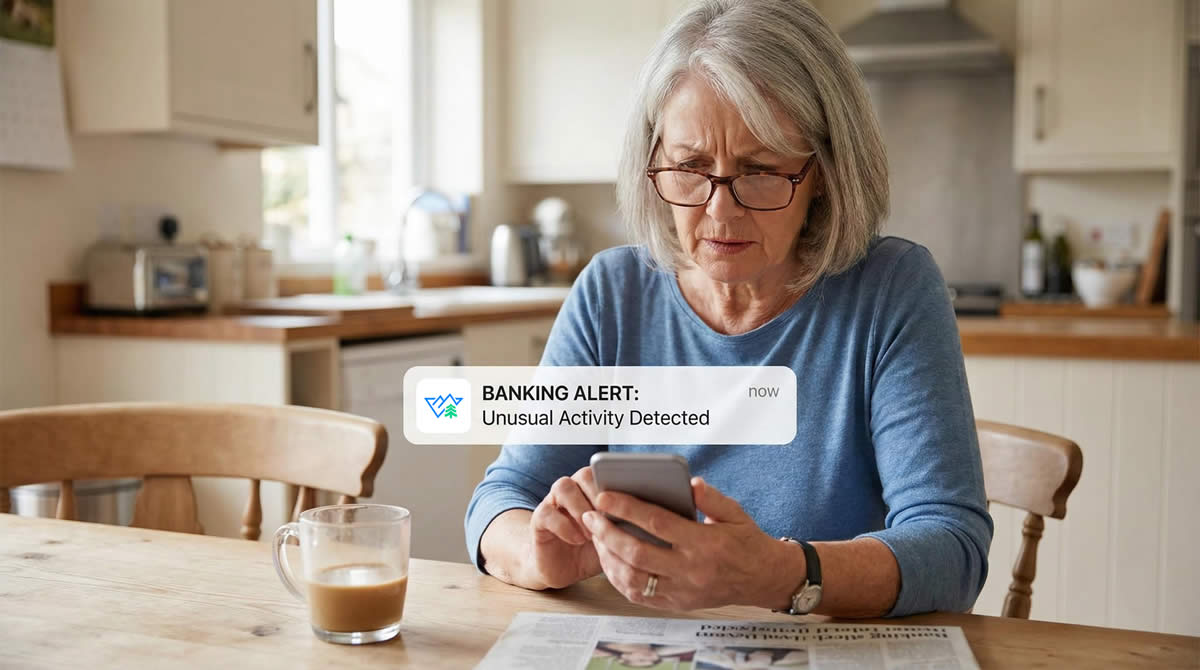
Avoid surprises and unwanted fees with email and text message alerts. Stay on top of your finances and receive electronic alerts when important account activity occurs.

Email & Text Alerts

Choose how you want to be notified.

Balance Thresholds

Set your own balance limits.

Transaction Alerts

Know when transactions post.

Payment Reminders

Never miss a payment date.

Set Up Alerts

eStatements

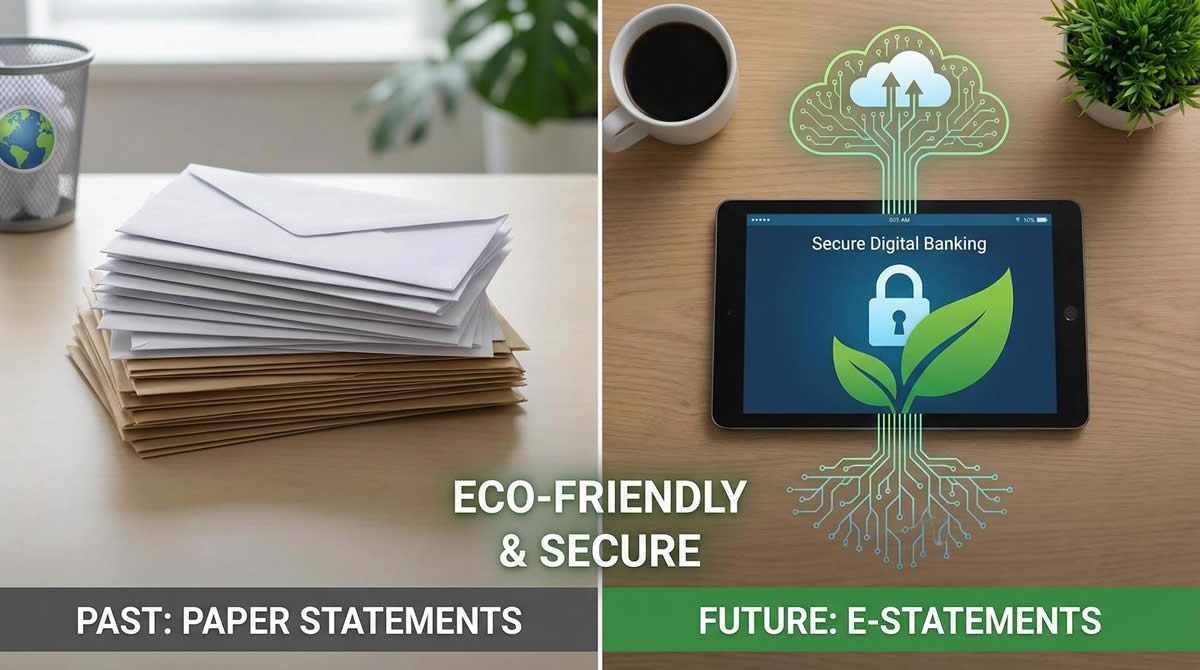
Go paperless with our Online eStatements. Your monthly or quarterly Westmark statement is available to view online anytime, anywhere through Online Banking. It's fast, secure, convenient, and free!

24/7 Access

View anytime, anywhere online.

2 Years of History

Retrieve past statements easily.

Secure Inbox

Get notified when ready.

Eco-Friendly

Reduce paper waste.

Sign Up for eStatements
financial statements and documents

* A monthly statement may not be generated for your account depending on certain factors, such as no activity on your account within the statement period or only a Primary Savings account with no activity (Statements generated quarterly).

Two people completing a mobile payment transaction

Pay a Person

Send money to friends and family quickly and securely. Pay a Person (P2P) transfers make it easy to split bills, send money to loved ones, or pay someone back—all from your mobile device or computer.

Instant Transfers

Send via email or phone number.

Secure & Safe

Bank-level encryption.

Mobile & Online

Send from any device.

Easy to Use

Simple, intuitive interface.

Send Money Now

Transfers

Move money between your Westmark accounts or to external accounts quickly and securely. Whether you're making a loan payment, funding a savings goal, or transferring to another institution, we make it easy.

Internal Transfers

Move money between accounts instantly.

External Transfers

Link other institutions securely.

Scheduled Transfers

One-time or recurring automation.

Loan Payments

Make extra or automatic payments.

Start a Transfer
Person transferring money between accounts on laptop
Person managing card settings on smartphone

Card Controls

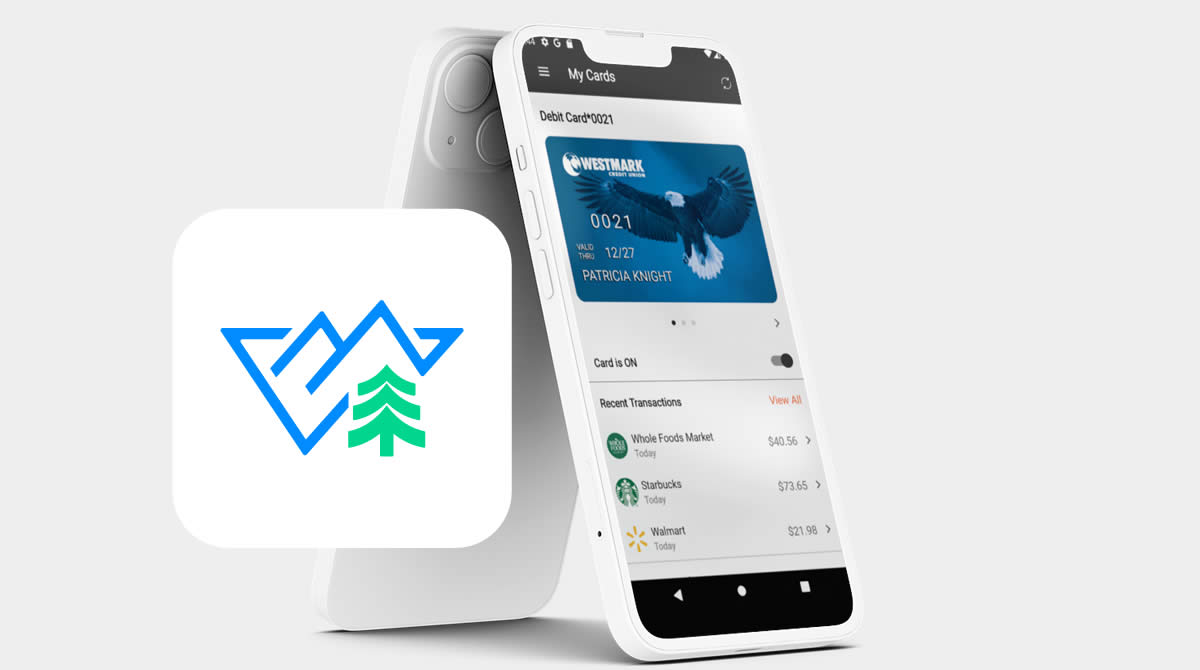
Take control of your debit and credit cards right from the CardComplete Westmark Mobile App. Lock or unlock your card instantly, set spending limits, manage transaction types, and add travel notices—all in real time.

Lock/Unlock Cards

Instant control—no call needed.

Spending Limits

Set daily transaction limits.

Travel Notices

Use your card anywhere you go.

Fraud Alerts

Instant suspicious activity alerts.

Financial Wellness Tools

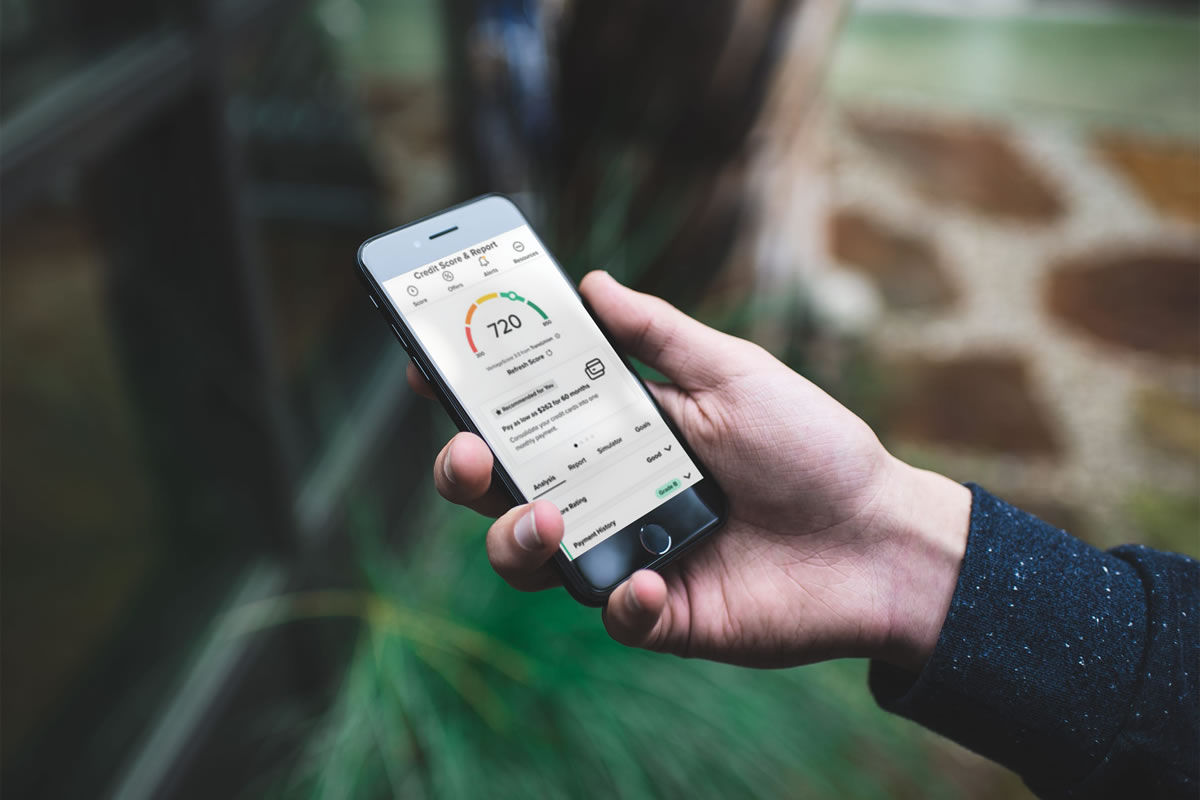
Take charge of your financial health with built-in tools to track spending, set budgets, and monitor your credit score. See where your money goes and make informed decisions to reach your goals faster.

Spending Insights

Visual charts and trends.

Budget Tools

Create and track budgets.

Credit Score

Check anytime—no impact.

Savings Goals

Track progress to milestones.

Explore Tools
Financial dashboard showing spending categories and budgets

How to Enroll in Online Banking

1
Gather Your Information

Have your Westmark account number, Social Security Number, and ZIP code ready.

2
Enroll Online

Follow the prompts to verify your identity and create your username and password.

3
Download Mobile App

Once enrolled, download the Westmark Mobile App and log in with your credentials.

Enroll Now

To enroll in Online Banking, you'll need:

  • Your Westmark account number
  • Your Social Security Number
  • Your ZIP code on file
  • Internet connection and compatible web browser (Chrome, Brave, Firefox, Safari, or Edge - latest versions recommended)

For Mobile Banking:

  • iOS 12.0 or later (iPhone/iPad) or Android 8.0 or later
  • Must be enrolled in Online Banking first
  • Download the Westmark Mobile App from the App Store or Google Play

Related Services

Mobile Wallet

Apple Pay, Google Pay & more.

Financial Wellness Suite

Budgeting and more.

Loan Payments

Pay your loan online.

Fraud Protection

Stay safe & secure.

Frequently Asked Questions

Everything you need to know about Westmark digital banking.

Getting Started

Yes. Westmark uses the same encryption and authentication as online banking on your home computer. Your identity is verified through multiple factors, account numbers are masked, and sessions automatically time out after 10 minutes of inactivity. If your device is lost or stolen, contact our Online Banking Support immediately at 1-800-574-5626 to deactivate mobile access.

No. Online banking and the mobile app are completely free for Westmark members. Standard messaging and data rates from your carrier may apply.

Download the Westmark Mobile App from the App Store or Google Play. Log in with your online banking username and password. If it's your first time, you'll create your password and security questions directly in the app.

Click "Forgot Password" on the login page. You'll verify your identity and receive a temporary password via email or text. Temporary passwords expire after 24 hours. For help, call Online Banking Support at 1-800-574-5626.

Account Management

The Dashboard is your home screen. It displays account summaries and quick-access widgets for Accounts, Transfers, Bill Pay, eStatements, and more. You can customize which widgets appear (up to 5 favorites), reorder them, give accounts nicknames, hide accounts from view, and change account colors. Transaction history is available for up to 3 years.

Go to Settings > Notifications. You can set up email and text alerts for: automatic deposits, automatic withdrawals, balance thresholds, balance summaries, cleared checks, transactions, and transaction descriptions.

Yes. In Settings > Shared Access, you can grant others permission to view your accounts or make transactions. Add their information, set specific permissions, and confirm. You'll receive an access code to share with them. Shared Access setup is only available on desktop.

Click on an account, then use the Filter button next to the search bar. Select a date range and click Search. Then click Export and choose your format (CSV for Excel, or other financial software formats). If you don't filter first, the system will export up to 3 years of history.

Moving Money

Use the Transfer widget. Quick Transfer is for same-day moves between your accounts—select from, to, and amount. Classic Transfer offers more options: schedule one-time or recurring transfers, choose frequency, and set end dates. Same day transfers are immediate and cannot be canceled.

Open the Westmark Mobile App and use the Mobile Check widget. Endorse the back of your check with "For Mobile Deposit Only" and your signature. Photograph the front and back, enter the amount, and submit. Deposits before 3:30 PM on business days are credited same day. Daily limit is $5,000 per account.

Pay a Person (P2P)

Pay A Person payments are sent electronically and can be scheduled on weekdays and weekends. The cutoff time for scheduling a next-day ACH payment is 5 p.m. local time. If the payment is scheduled prior to 5 p.m., the recipient will receive the funds the following business day. If the payment is scheduled after 5 p.m., the recipient will receive the funds in two business days. When funds are claimed using a debit card or are being deposited to another Westmark account, the funds will be moved in near real time after the recipient claims the funds. The recipient will be charged a flat fee of $.75 if the funds are claimed using a debit card.

Multi Pay allows users to select multiple contacts to pay at one time. The user can choose to pay each contact the same amount or pay different amounts. As the user selects each contact, the names will appear in the search field and will also have a highlighted check mark to the left of their name in the contact list. If the user wants to pay each person the same amount, they can enter the amount in the field to the right of the selected contacts. If the user wants to pay each person a different amount, they select the Custom Amounts button. Payment instructions (memo, from account, and frequency) apply to all contacts for the payment. The Pay button shows the total amount of the payment for all contacts.

For future payments, from the Pay A Person screen, select the drop-down menu under the Date field. This shows a calendar view from which you can select the date when the payment will be sent and when it will be delivered. For recurring payments, select the drop-down under the Repeats field to choose the payment frequency. Then select the Ends option, which determine how long the recurring payments will continue.

The recipient has a set number of days to claim the payment. After a payment has been scheduled, reminder notifications are sent to the recipient prompting them to claim the payment. If the recipient does not claim the payment, it is canceled. The sender and recipient are notified when the payment link has expired. The recipient cannot claim the funds after the link has expired. The sender can schedule a new payment to the recipient.

CardComplete

CardComplete is a free, easy-to-use mobile app that lets you decide when and where your Westmark cards are used. Download CardComplete from the Apple App Store or Google Play Store.

You must enroll in Westmark's Online/Mobile banking prior to using the App. Once registered, download the free App from the Apple App Store or Google Play Store and log in using your Westmark Credit Union credentials.

Yes, but only those that are merchant-indicated and recurring.

These let you know every time a card transaction is attempted. You can be alerted when all or preferred transactions are being made. Alerts are also available by location, transaction type, merchant type, and spending limits.

Transactions show up for seven calendar days. Histories contain the last 50 transactions.

On supported iOS devices, you can use Face ID or Touch ID. On supported Android devices, you can use Fingerprint Authentication.